What Is a QR Code and Why Do Businesses Need It?
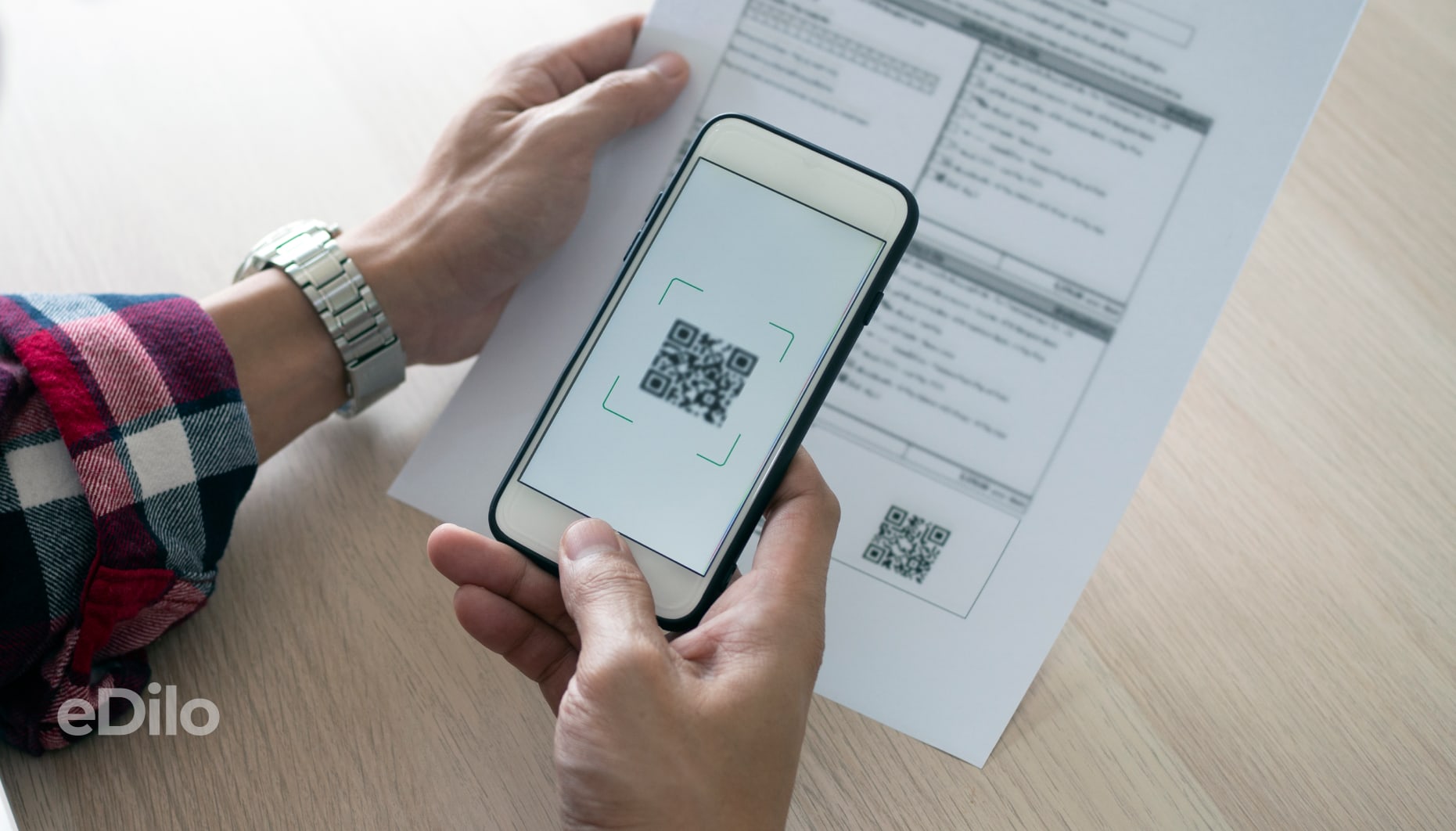
Shopping online, downloading apps, browsing menus, or booking tickets should be convenient, which is why businesses are increasingly using QR codes. These recognizable pixelated squares can now be found on business cards, packaging, name tags, or social media pages—they instantly direct users to the information or action they need. What a QR code is and what it’s used for is an important topic for modern businesses, since in a highly competitive environment, customer interactions must combine accessibility and convenience.
The vast majority of adults use smartphones. That’s why a QR code for businesses is an opportunity to offer customers quick payment options and up-to-date information about products, services, and menus. This effective tool improves service quality and enhances brand appeal.
Types of QR Codes and When to Use Each One
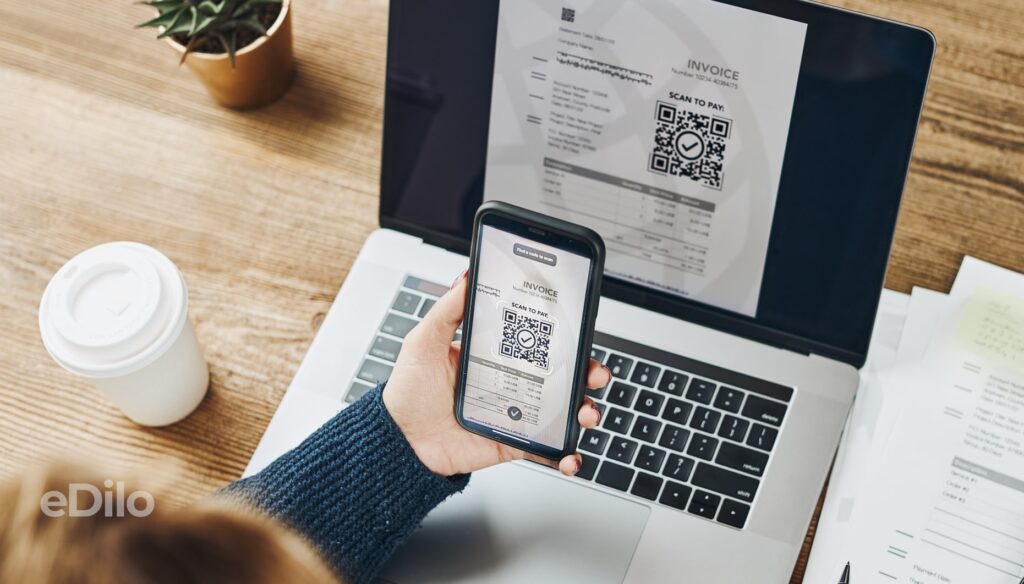
QR codes are created using combinations of numbers and letters encoded in the form of a square grid of pixels. They are scanned using scanners or smartphones equipped with the appropriate app or a built-in camera.
In business, both static and dynamic QR codes are used. They differ in how they are implemented and used. A static QR code is designed to present data that does not require editing. Once created, it cannot be changed. Additionally, it is not possible to track scan statistics when using this type of QR code. Examples of use:
- device manuals;
- links to social media pages;
- educational and instructional materials.
Dynamic QR codes are created using short links (URLs). They contain information that can be edited. Among the advantages of dynamic QR codes is the ability to track click-through statistics, which is essential for analytics. Examples of use:
- real estate agency listings to which new properties are added;
- homework assignments in educational institutions;
- special offers from stores, cafes, restaurants, etc.
When customers need to be provided with a large amount of information—for example, about each product, dish, or property in the lineup—bulk QR codes are used. This technology makes it possible to automate the creation of data for a large number of items. Trusted services are used to generate a set of dynamic and static QR codes. A database of links is imported into the program from Excel (Google Sheets). Scanner apps are used to verify the quality of the generated codes, and their visual presentation is evaluated.
Security and Privacy
When implementing QR codes in business operations, you should avoid including any confidential information in them. It is also not recommended to encode objects with complex designs or inverted colors, as this may make it difficult to read the data.
To ensure that the code works correctly and does not pose any risks to users, you should check the following:
- using trusted QR code generators;
- fast code scanning by various devices;
- the presence of a secure link (https, not http);
- Implementation of UTM tags for dynamic codes to track clicks and performance.
To earn a customer’s trust, a business should limit the amount of information it requests.
Comparison of QR Code Generation Services
We invite you to check out this overview of business software and apps.
| Service | Code Type | Post-print editing | Analytics | Limits | Price | Who is it for? |
| ME-QR | Static and dynamic, including SVG, PNG, and PDF. | Available after registration. | Integration with Google Analytics, scan tracking, geographic data, device types. | In the free version. | Up to $8.50 per month; the exact price depends on the service plan. | Cafes, restaurants, stores, event organizers, and teachers. |
| QRCode Monkey | Dynamic and static QR codes for links, PDF documents, videos, vCard business cards, and landing pages. | Available after registration. | A wide range of tools is available in the analytics section of the official website after registration. | During the trial period. | It depends on the billing frequency. The cheapest plan is the annual plan, which costs 715 UAH per month. | All sectors of small business, particularly those related to the service industry. |
| GenQRCode | Static, dynamic, and bulk QR codes in a variety of formats, including SVG, PNG, and PDF. | Available after registration. | Number of scans, location, timestamps, devices. | Up to 10 dynamic QR codes during the free trial period. | Flexible rates starting at 5 euros. | Restaurants, online stores, and the service industry. |
| ViralQR | Static and dynamic content, including URLs, Wi-Fi, text, business cards, and more. | Available after registration. | Number of scans, time, geolocation, devices. Analytics are available as part of a paid plan. | Paid use only (you can choose the most affordable 7-day plan). | $19.99 per year. | All sectors of small and medium-sized businesses. |
| HoverCode | Dynamic QR codes. | After creating an account, you will be prompted to add a logo and brand colors. | Detailed statistics are available in the user’s account. | Up to three dynamic QR codes for free. | From $12 to $99, depending on the rate plan. | Online stores, organizers of large-scale events, and inventory management. |
| Scanova | Dynamic QR codes with extensive customization options. | After creating a user account, provided you have a paid plan. | Detailed statistics are available in the user’s account. | A 14-day free trial is available, after which you’ll need to switch to a paid plan. | From 5 to 100 U.S. dollars per month. | First and foremost, in the field of marketing. |
| QR Code Developer | Dynamic and static QR codes. | Available after registration and upon payment for the services. | Device types, geographic location, scan time. | The main features are available only in the paid plan. | Upon the user’s individual request. | Cafes, restaurants, stores, organizers of public events, presentations, etc. |
| Visualead | Dynamic and static QR codes with a stylish, designer look. | Available after registration and upon payment for the services. | Tracking the number of scans. | For paid use only. | From $100 to $2,700 per year. | Any small or medium-sized business where visual appeal is important in terms of service delivery and brand presentation. |
| Unitag | Dynamic QR codes. | Extensive editing capabilities. | Geolocation, device types, language, campaign and product features. | All useful features are available only with a paid plan. | Starting at $29 per month. | Mostly in the field of marketing. |
| QRStuff | Dynamic and static QR codes. | Available in the free version, but you can only customize the design with a paid plan. | Scan time, geographic location, device types. | Only basic features are included in the paid plan. | Starting at $100 per month. | For organizing public events, cafes, restaurants, stores, private use, and as part of educational courses. |
Ideas for Where to Place QR Codes
Products and services that can be viewed online should be described in an informative and persuasive manner. Generated QR codes are the best way to do this.
Offline media
Printed materials may contain high-contrast QR codes, the dimensions of which allow for quick and error-free scanning of the generated data. The information can be presented on various paper media, including:
- business cards;
- price tags;
- in paper packaging;
- stickers showing the establishment’s hours of operation;
- menu;
- tickets;
- flyers, etc.
The QR code itself should be dark. It should be placed on a light background. The optimal size for physical media is 2 × 2 cm.
Online Points of Contact
You can find QR codes in digital form when viewing banners, social media pages, landing pages, and PDF presentations.
Step-by-step guide to connecting to an online access point:
- Find the QR code.
- Use the scanner that is installed on your device.
- Read the code.
- Get a link to the website.
- Copy and paste it into the search field.
- Click the link.
Many apps, such as online banking apps, already have a built-in scanner.
Creative Formats
Generated QR codes can make a brand more recognizable. They can be used to complement eye-catching CTA posters. QR codes are also used in conjunction with NFC. It makes sense to offer this integration, for example, to enable convenient and quick online bookings.
Once you’ve created a QR code, it’s important to check that it scans properly. Here’s how:
- use a smartphone camera with the appropriate built-in feature;
- try scanning the QR code using a downloaded or online scanner;
- Check the link to make sure it leads to the correct page.
To ensure the accuracy of the test, it’s a good idea to use several mobile devices. You should also try scanning the QR code while adjusting the lighting intensity. Additionally, make sure the QR code can be scanned from various distances. If the information scans without any issues, it can be made available to the general public, including in print.
Step-by-Step Guide: How to Create Your First QR Code and Launch a Test in 1 Day
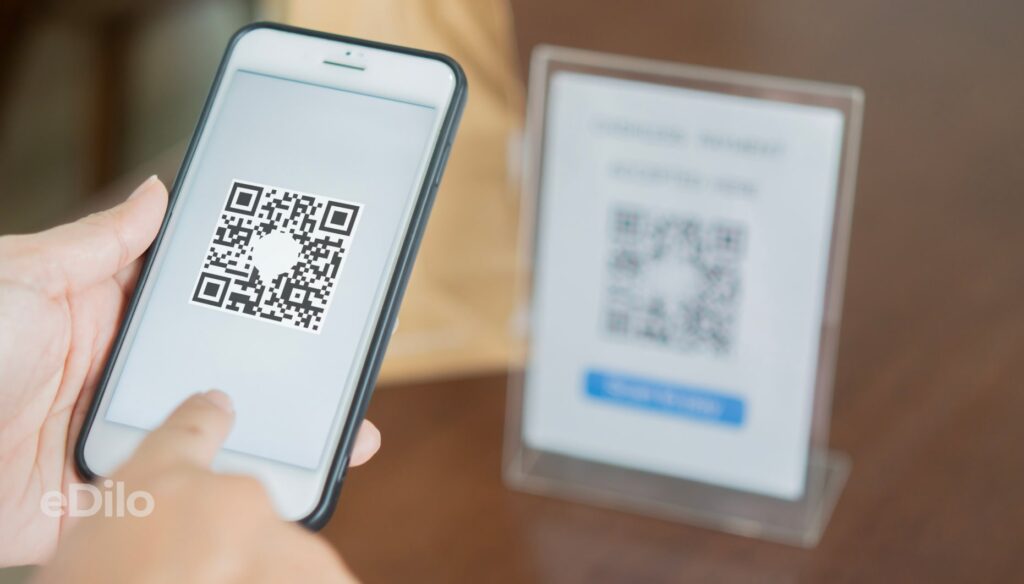
This brief guide will help you complete the task on your own. How to create a QR code for your organization:
- Purpose. First and foremost, you need to determine exactly what the QR code is for. It could be a restaurant menu, a way to read reviews about a store or brand, or access to a personalized discount.
- Choosing a service. To determine the best option, you should find out what types of QR codes the app supports—dynamic or static. It’s also worth checking whether it offers brand frames, access to analytics, and the ability to export to JPG, PDF, and other formats.
- Generation. This is the direct creation of a code in a QR code generator using the tools provided by the selected service.
- Quality control. At this stage, dimensions and contrast are checked. Readability on various devices, scanning distance, and print quality are also tested.
- Analytics. To monitor marketing effectiveness, attention is paid to the total number of scans, devices, operating systems, peak engagement periods, and geolocations where the highest level of interaction with the QR code was recorded. For effective data analysis, UTM parameters (special tags in the link that allow tracking the referral source and traffic channel) are also added.
- Data-driven evaluation. To determine effectiveness, compare several versions of the QR code using an A/B test. It’s also worth examining the impact of design and the call to action (CTA) on scans, clicks, and conversions.
The number of reads relative to the access point’s total traffic depends on the specifics of the marketing campaign.
Case Studies by Niche
When considering the purpose of a QR code, it is important to evaluate how it is used in various fields:
- Retail. You can view price tags, special offers, and discounts.
- Hotels, restaurants, and cafes. Menus, reviews, loyalty programs, and chatbots for online orders and reservations.
- Public events. To ensure visibility and effectiveness, QR codes are placed on tickets, online registration forms, and posters displayed within coworking spaces. You can also use this format to send invitations to join the community via popular messaging apps.
- Education. You can use the QR codes to follow the links to pay for courses, access learning materials, and use interactive resources.
- Real Estate. You can include QR codes for customers in advertising brochures and magazines. After scanning them, customers will receive a link, for example, to an online virtual tour.
- Service. Scanning the QR code is a convenient way to access the appointment form, price list, and current discounts.
- Production and Delivery. Generating a QR code for signing is a convenient option for interacting with business partners. You can access this service through trusted providers, such as “Vchasno.”
A common mistake when generating QR codes is an incorrect balance between contrast and size. You can correct this error in the QR code generator of your choice. In your account, you can fix a broken URL, change an ineffective CTA, and add UTM parameters. Editing is available only for dynamic QR codes.
: Frequently Asked Questions
How can we make codes accessible to people with visual impairments?
The contrast and size should be improved, and the option to have the link’s content read aloud after scanning should be added.
What should you do if a visitor doesn’t have internet access at the location?
Under these conditions, only offline QR codes that contain standalone data can be scanned.
How to manage hundreds of codes within a company (rules, ownership, auditing)?
Businesses should take advantage of bulk QR code technology.
How can I automatically redirect people to the correct language version or platform?
Using Google Forms, you can set up redirect to the option the user needs.
What data retention policy should I choose for tracking scans?
The choice depends on the type of QR code and its content.



More about business
and finance
Read more

Which Chinese Tractor Is the Best to Buy: Top 5 Models

Solar Panel Business: How to Set It Up and Calculate Liquidity

How to Choose a Business Idea in 2026: Top Ideas for Ukraine

Military Tax in Ukraine in 2025

A $5,000 Business in 2026: How to Start a Business with Minimal Risk

How to Prepare Your Business for Black Friday 2026: Purchasing Without Straining Working Capital

How to Prepare Your Business for the Fourth Quarter: A Financial Checklist for Executives

How to Avoid Stalling Business Growth Due to Large Supplier Invoices

How Businesses Can Prepare for the Peak Sales Season in Fall and Winter